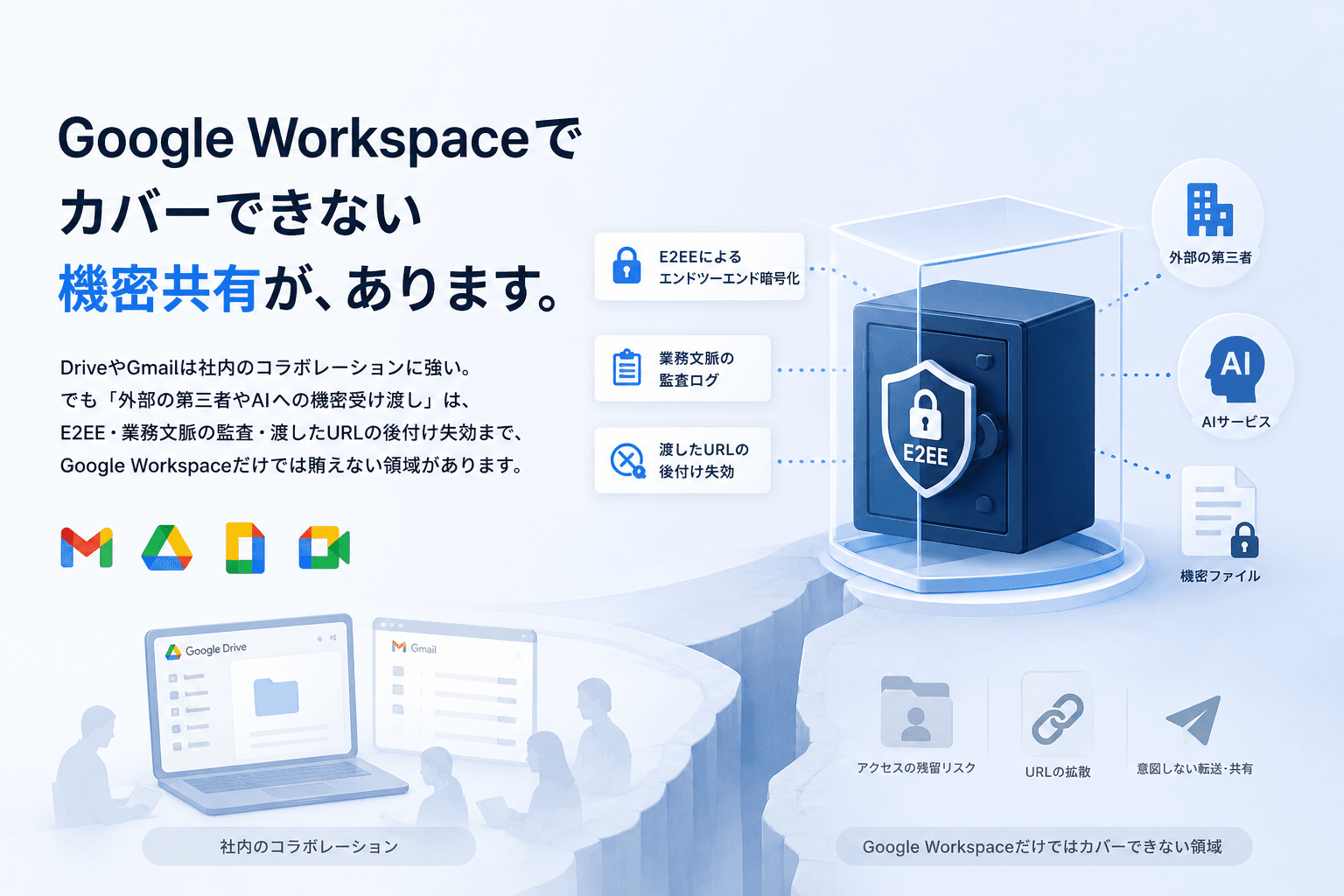
There are confidential sharing needs Google Workspace alone does not cover
Comparison
How Sealith complements Google Workspace
Dimension
Google Workspace
Sealith
Encryption model
Data is encrypted in transit and at rest, but Google and administrators can access content.
Files are end-to-end encrypted in the sender's browser and decrypted only in the recipient's browser.
Audit depth
Records who accessed what and when.
Adds business context such as purpose, allowed use, recipient type, AI involvement, jobId, and tokenId.
AI integration
Integrated mainly with Workspace-native AI such as Gemini.
Can hand off safely to external AI with permission-scoped Agent Tokens, including Claude via MCP.
Shared URL control
Link issuance is easy, but spread and reuse are hard to explain later.
Wrap shared URLs through Sealith to add expiry, count limits, revoke, and access history.
Cost of higher security
Advanced controls such as DLP and Vault usually require higher enterprise tiers.
E2EE, audit, and revoke start from Starter, then expand for your organization with Business.
Sealith only
Four things Google Workspace does not solve well
E2EE that even the operator cannot decrypt
Files are encrypted in the browser before upload, and Sealith itself cannot read the file body.
Audit AI actions in business context
The log can show which AI received which material, for what purpose, under what allowed use, and under which token and job context.
Revoke a shared URL after delivery
Drive links can be wrapped through Sealith so you can add expiry, count limits, and manual revoke after sharing.
Deliver safely to third parties
Outside counsel, auditors, and partners can receive encrypted material even if they are not managed in your Google Workspace.
Use cases
Department-by-department examples
Legal / IP
Send contract reviews to outside counsel
Google Workspace only
Share a Google Docs link over Gmail and lose clarity on who opened it and when.
With Sealith added
Issue the Drive link through Sealith, record access time, and revoke it after review. Initial AI review can also be purpose-bound.
Finance / Corp Dev
Share confidential M&A DD materials
Google Workspace only
Share a Drive folder with investors and counsel, often with broader scope than intended.
With Sealith added
Issue an Agent Token limited to DD analysis, then expire it after access with a full audit trail.
HR / Labor
Send personal data to a labor advisor
Google Workspace only
Attachment delivery over Gmail leaves both misdelivery and access-confirmation gaps.
With Sealith added
Use strict mode and E2EE, confirm download, and revoke immediately with evidence preserved.
Sales / Marketing
Track when a proposal is actually opened
Google Workspace only
After sending through Gmail, there is no reliable evidence of when the recipient reviewed it.
With Sealith added
Send through Sealith and confirm first open in the audit log before following up.
IT / Information systems
Share credentials with vendors temporarily
Google Workspace only
Sending API keys through chat or email is too risky.
With Sealith added
Use strict mode, separate the passcode, and revoke immediately after receipt is confirmed.
Compliance / Internal audit
Submit materials to auditors or regulators
Google Workspace only
Email attachments make evidence handling cumbersome.
With Sealith added
Deliver through Sealith and keep a clear record of who received what and when, including later access.
How to start
Keep Google Workspace. Add Sealith in stages
Step 1
Keep storage in Drive, move confidential delivery to Sealith
Leave day-to-day collaboration in Google Workspace and route only the final confidential handoff through Sealith.
Step 2
Turn URLs into governed delivery with the Chrome extension
Convert copied Drive or Gmail links into audited Sealith delivery without changing the team's base workflow.
Step 3
Add Agent Tokens to AI workflows
On Business and above, manage AI-facing file handoff with Agent Tokens and MCP so people and AI share one audit ledger.
Plan fit
A practical plan path for Google Workspace teams
If you already invest in Workspace, Sealith can cover the missing confidential-delivery layer without a heavy replacement project.
Starter
Best for one operator ready to add E2EE delivery, audit logs, open tracking, and revoke controls.
Start free trialBusiness
RecommendedUp to 100 users per organization. Standardize external sharing with multiple admins and recipients, and add Agent Token, MCP, and AI audit controls.
Start free trialStarter and above can issue referral links. When a referred user upgrades to a paid plan, credits are applied automatically to the next invoice.
Overview
You may reuse this image in internal review or proposal documents.
AI Work Governance to Agent Commerce
Provenance for what AI creates. Approval for what AI releases. Recovery for what AI transacts
Even when Gemini or Workspace is the upstream environment that reasons and creates, Sealith takes responsibility at the moment work becomes an external booking or purchase.
AI WORKSPACE / HARNESS
AI thinks and builds
Cloudflare OS, Gemini, Copilot, OpenClaw, or your own agent
AI WORK PASSPORT / RELEASE CONTROL
The company releases the work
Delegation, provenance signals, asset binding, policy, and human approval
SEALITH TRANSACTION BOUNDARY
The company delegates
Purpose, accountable entity, budget, quote, approval, and idempotency
PROVIDER / PAYMENT RAIL
The outside world fulfills
OnePlace, eSIM, JPYC, and future providers — reconciled through recovery
Start now
Add a specialist layer for confidential delivery next to Google Workspace
Keep Drive and Gmail. Let Sealith handle confidential external handoff and AI-facing auditability. You can test the full flow free for 14 days.